How to Create a QR Menu for Your Restaurant
A step-by-step guide to setting up a QR menu for your restaurant — from choosing the right platform to printing your first QR code.
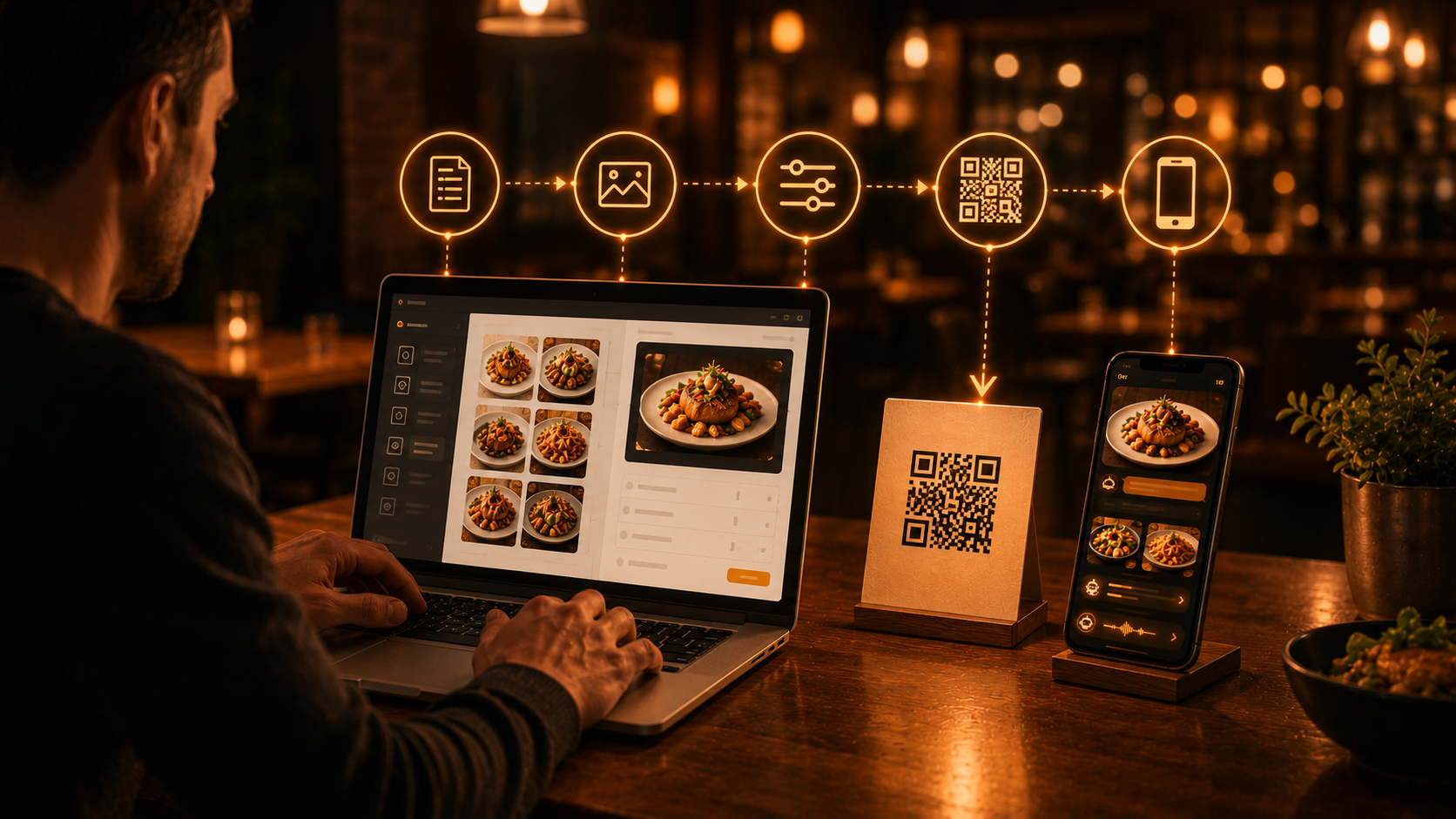
Why Every Restaurant Needs a QR Menu in 2025
The days of laminated paper menus stacked near the host stand are fading fast. Guests now expect to scan a QR code and browse your full menu instantly — on their own phone, in their own language, without waiting for a server. If you have not yet set up a QR menu, you are leaving money on the table and creating unnecessary friction for your guests.
Step 1: Choose the Right Platform
Before signing up, make sure the platform offers real-time updates, no app download for guests, multi-language support, photo support, and analytics. Platforms like Qrave are built specifically for restaurants, cafés, and hotels.
Step 2: Build Your Digital Menu
Organize items into categories (Starters, Mains, Desserts, Drinks). Keep descriptions concise but appetizing. Use consistent photo dimensions, mark allergens clearly, and highlight high-margin items with badges like "chef's recommendation."
Step 3: Generate Your QR Code
Once your menu is published, the platform generates a unique QR code. Download it as SVG for large-format printing. For multiple rooms or zones, create separate QR codes per table.
Step 4: Print and Place
Use tent cards, adhesive stickers on table corners, inserts in your existing menu holder, or a poster near the entrance. Minimum recommended size: 3 × 3 cm for table use.
Step 5: Train Your Team
Brief staff on guiding guests: "Just point your camera at the code — no app needed." Keep a small stock of printed menus for guests without smartphones.
Step 6: Keep It Fresh
Update specials daily, adjust prices when costs change, hide unavailable items immediately. Set a weekly review reminder for the first month — then it becomes second nature.
Getting Started Today
Creating a QR menu takes less than an hour from sign-up to first printed QR code. The investment pays for itself quickly through lower printing costs, fewer order errors, and a smoother guest experience. Start with a free trial on Qrave.